



Key Takeaways
- Natural8 provides dedicated clients for Windows, Mac, Android and iOS.
- Desktop software supports multi-tabling, hotkeys and access to PokerCraft statistics.
- Android installation may require permission for apps from external sources.
- One account can be used across supported desktop and mobile devices.
- Updates help maintain software compatibility, stability and security.
- Current installer sizes and requirements can vary by operating system and release.
Why Indian Players Choose to Download Natural8 Poker
A dedicated poker application is useful for regular users who need more control over table management and session tools. The Natural8 client is built around that kind of session, and its main advantages include:
- Multi-tabling: Desktop and mobile clients support multiple active tables.
- Poker statistics: PokerCraft records hands, sessions and performance data for later review.
- Mobile access: Android and iOS applications keep core poker functions available away from a computer.
- Dedicated interface: Installed software provides a focused environment without repeated browser navigation.
- Desktop controls: Windows and Mac clients include features such as customizable hotkeys.
These functions make Natural8 poker download relevant to Indian players who alternate between longer desktop sessions and shorter mobile play.
Natural8 India Download: File Details and System Requirements
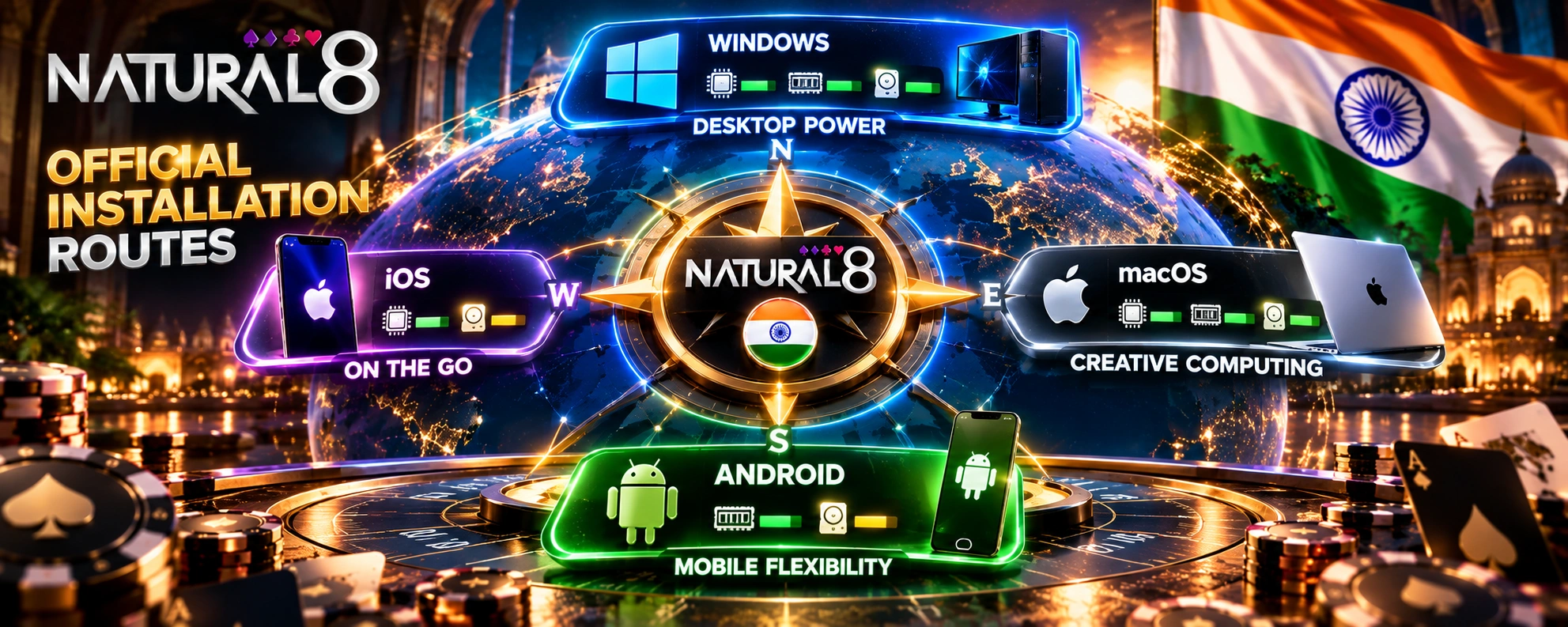
| Platform | Device | Installation route | File size | Minimum requirements |
| Windows | Desktop or laptop | Official installer | Not publicly specified | Windows 8 or later, 3 GHz processor, 2 GB RAM, 1 GB free disk space |
| Mac | Mac computer | Official installer | Not publicly specified | OS X 10.10 or later, 3 GHz processor, 2 GB RAM, 1 GB free disk space |
| Android | Smartphone or tablet | Android app / APK | Not publicly specified | Android 6.0 or later, 2 GB RAM, 250 MB free storage |
| iOS | iPhone or iPad | App Store | Varies by release | iPhone 7 Plus, iPad Air 2 or iPad mini 4 or newer; 250 MB free storage |
The current Natural8 India download information confirms support for all four operating systems. Users should check available storage and the current installation requirements on their device before starting the setup.
Step-by-Step Guide to Download Natural8 on Desktop
Windows and Mac users can install the desktop client through the official website:
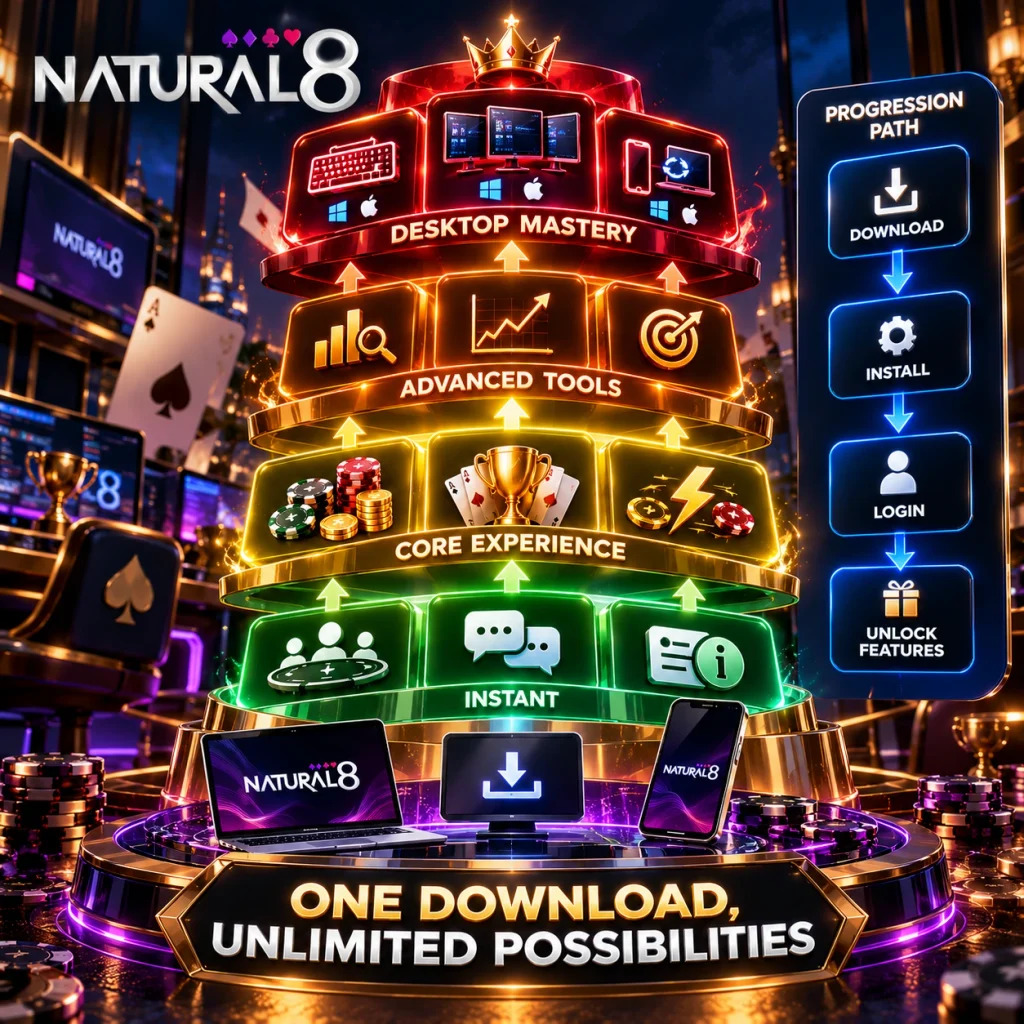
- Open the Natural8 website.
- Go to the software download section.
- Choose Windows or Mac.
- Save the installer to the computer.
- Open the file and follow the installation prompts.
- Launch the client after setup is complete.
The desktop client is distributed for both major computer operating systems. Players should use the official download source rather than third-party installer sites when completing a download Natural8 setup.
Installing the Natural8 Mobile App on Android and iOS
Android and iOS use different installation systems. Android users can follow the official APK installation route and may need to allow installation from the selected source in their device settings. After installation, the application can be opened from the device menu.
On iPhone and iPad, installation is handled through Apple’s App Store. Users can find the official application, select the installation option and complete the process through their Apple account.
The Natural8 mobile app is intended for touchscreen devices and includes mobile-oriented controls for navigating tables and managing active sessions.
What Indian Players See After Natural8 Poker Download Is Complete
After installation, players first reach the account sign-in screen. Once authenticated, the main lobby opens with available cash games, tournaments and faster formats. The Natural8 poker download therefore leads directly to the same core poker environment available through supported devices.
The account area provides access to balance information, promotional features and other profile controls. PokerCraft is available for reviewing hands, sessions and performance data. The same player account can be used across supported devices, so installing the application does not create a separate mobile profile or balance.
Keeping Your Natural8 Download Up to Date in India
Desktop software can notify users when a newer release is available, while Android users may need to obtain a current APK through the official distribution route. iOS updates are managed through the App Store.
Keeping the Natural8 download current can help with software compatibility, stability and security. New releases may also introduce changes to existing functions or add features. Before updating, players should use the official source and make sure sufficient storage is available.